Deleting an access certification campaign
Starting from version 4.2.2 of OpenIAM, admins can delete user certification campaigns if necessary. A new button allowing a user to delete a campaign is available in the Access Certification dashboard, as shown in the screenshot below.
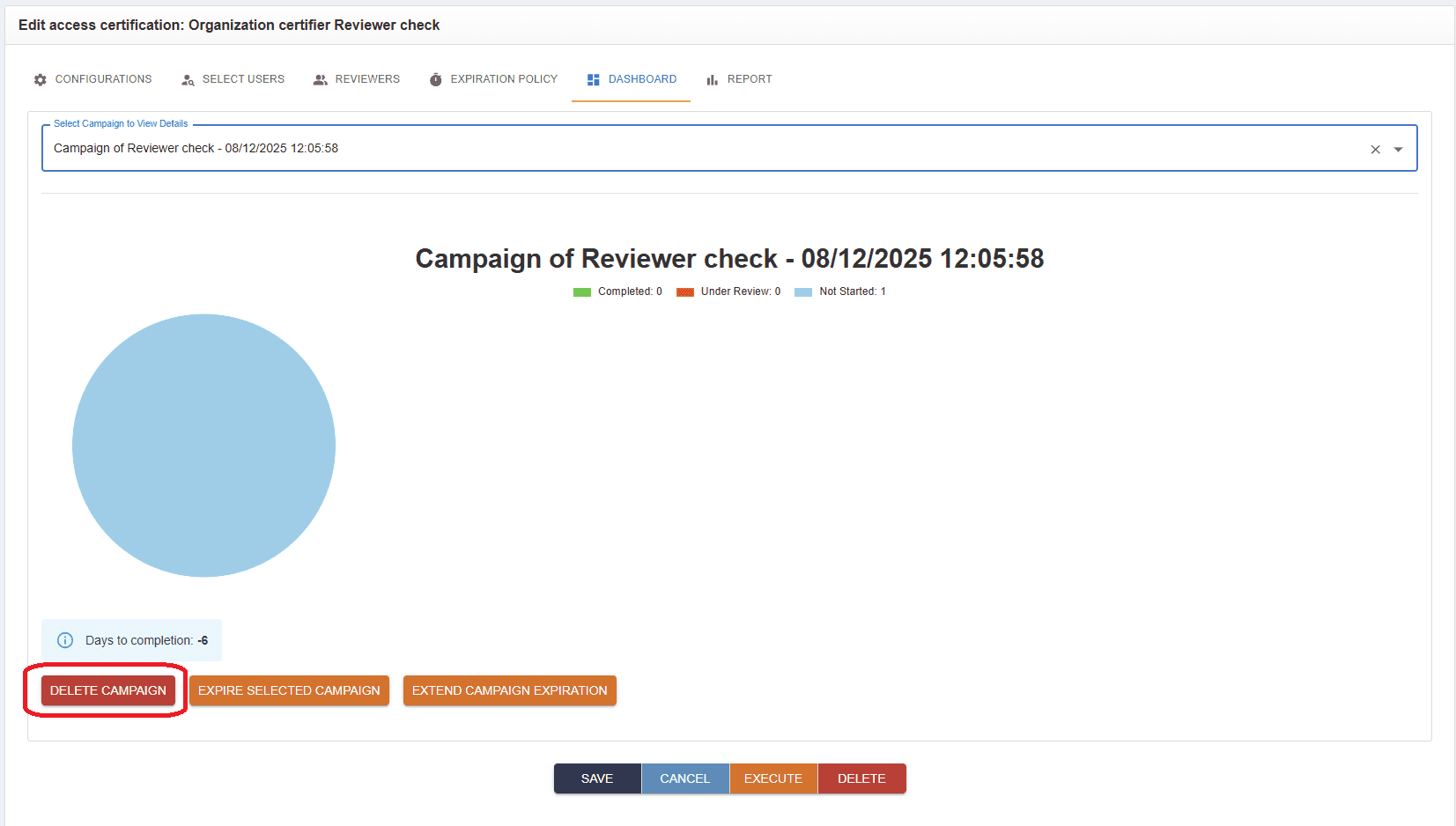
This feature deletes all requests associated with the selected campaign. Both the task and the request will be removed from the reviewers’ SelfService portal. Once deleted, users will not be able to generate reports on the campaign or view any related statistics.
This option is useful for test campaigns, mistakenly created campaigns, or any other campaigns that need to be removed.
Please note that the "Deleting User Access Campaign" batch task won't work with a this new feature introduced and must be deleted.