Setting up account unlock
This section describes how to configure OpenIAM to enable users to unlock their accounts.
The first step is to update the adaptive authentication rule, which controls access to the /idp/unlockAccount pattern.
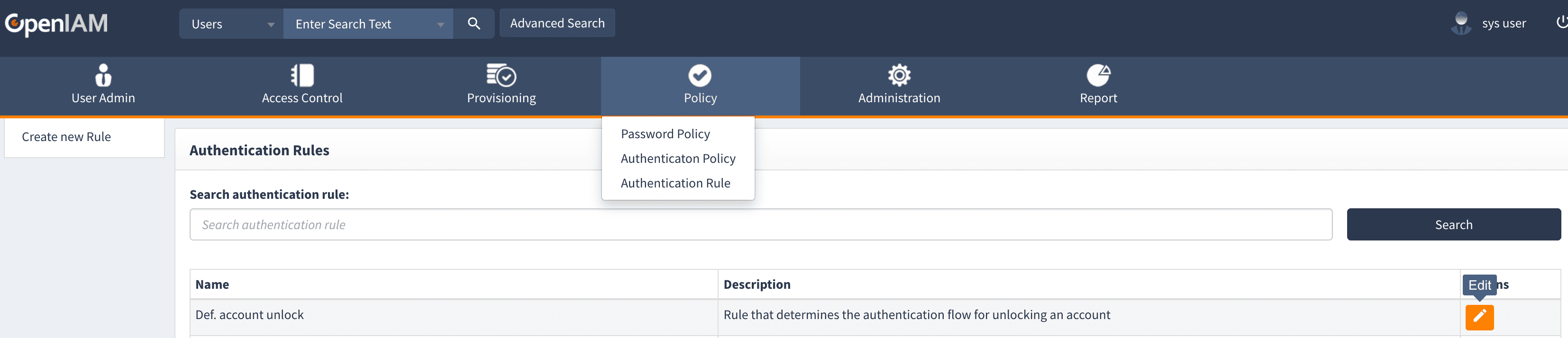
- Log in to webconsole and navigate to Policy > Authentication Rule
- Select def. Account Unlock in the Authentication Rules list. This rule defines the authentication flow for unlocking an account.
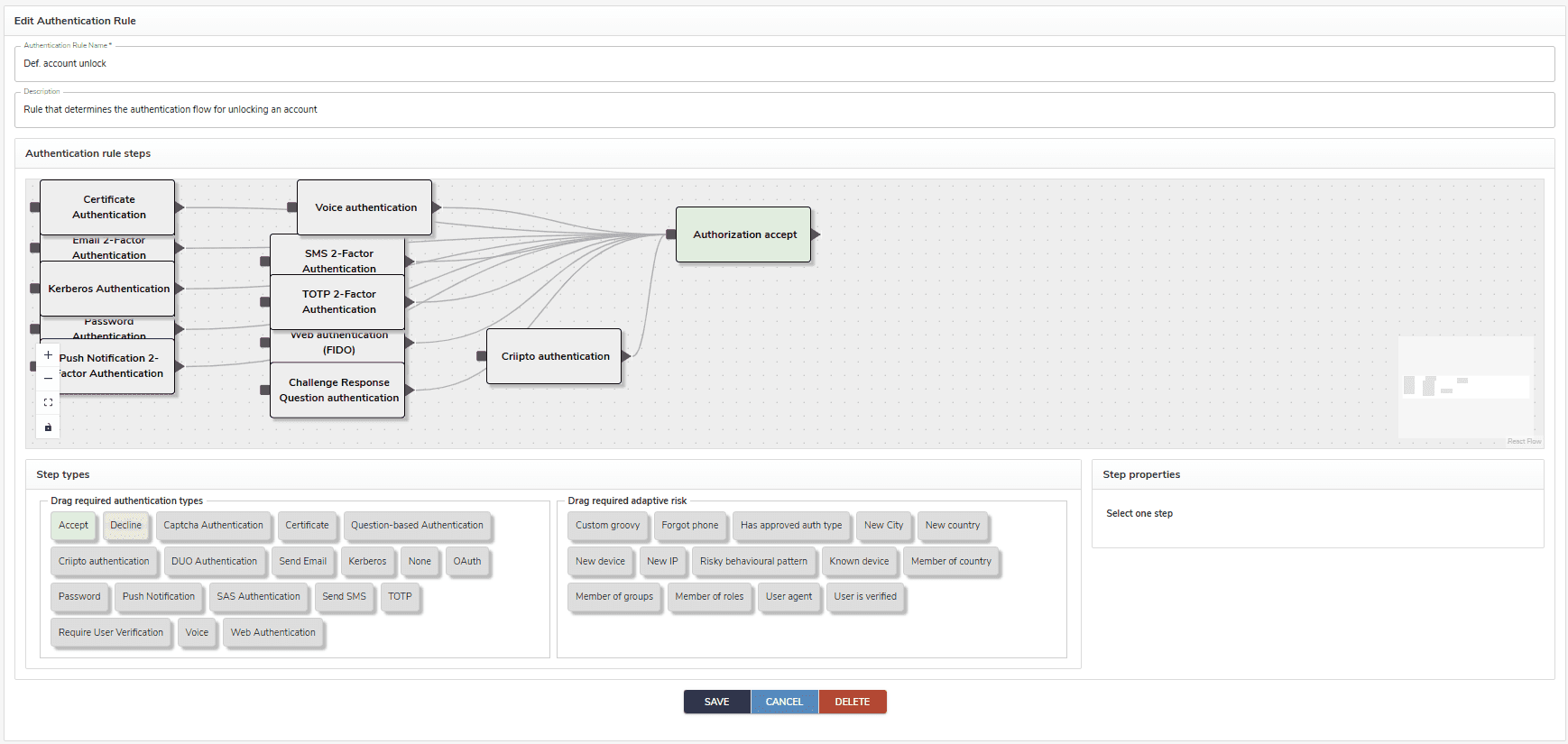
Next, configure the Adaptive Authentication Rule as needed.
By default, the user can use any authentication method to unlock their account.
Enabling account unlock
Account unlock is enabled by default. However, to disable or re-enable it:
- Log in to webconsole and navigate to > Administration > System Configuration
- Navigate to the Password tab.
- Check (or uncheck) the Account Unlock Enabled checkbox.